Smart locks have become one of the fastest-growing home security technologies in India. As more homeowners, renters, and apartment dwellers switch to digital door locks and home security smart locks, one major question always comes up:
“Should I choose a WiFi smart lock or a Bluetooth smart lock for my home?”
Both technologies offer keyless entry, convenience, and high security — but they work differently and suit different lifestyles. Choosing the wrong one can affect your day-to-day convenience, battery life, connectivity, and even your family’s safety.
In this detailed guide, we break down everything you need to know about WiFi smart locks vs Bluetooth smart locks, so you can confidently choose the best smart lock for your home in 2025.
What Are Smart Locks? (Quick Overview)
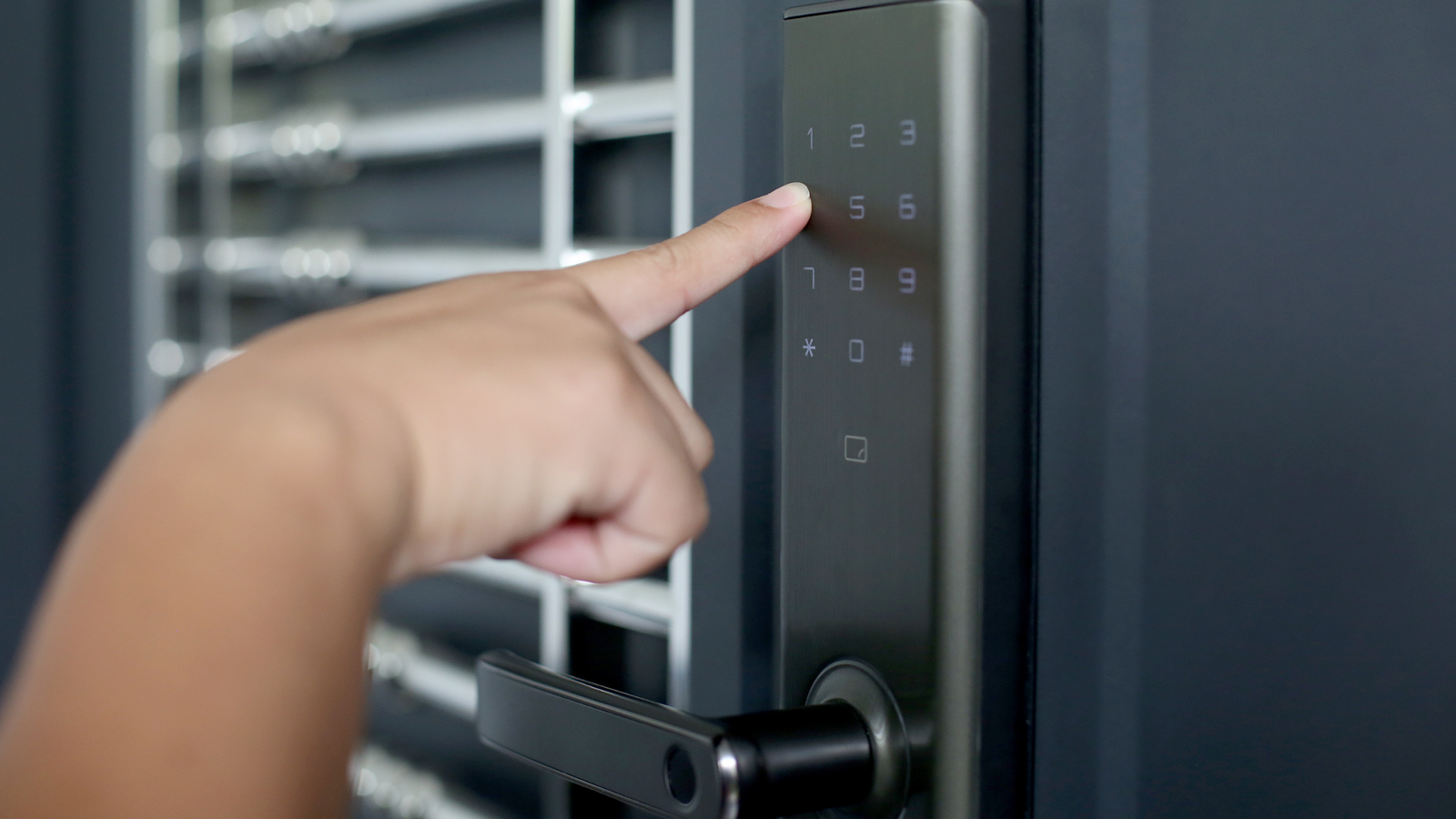
A smart lock is a modern digital lock designed to replace traditional keys with smart access methods like:
- Fingerprint
- PIN code
- RFID card
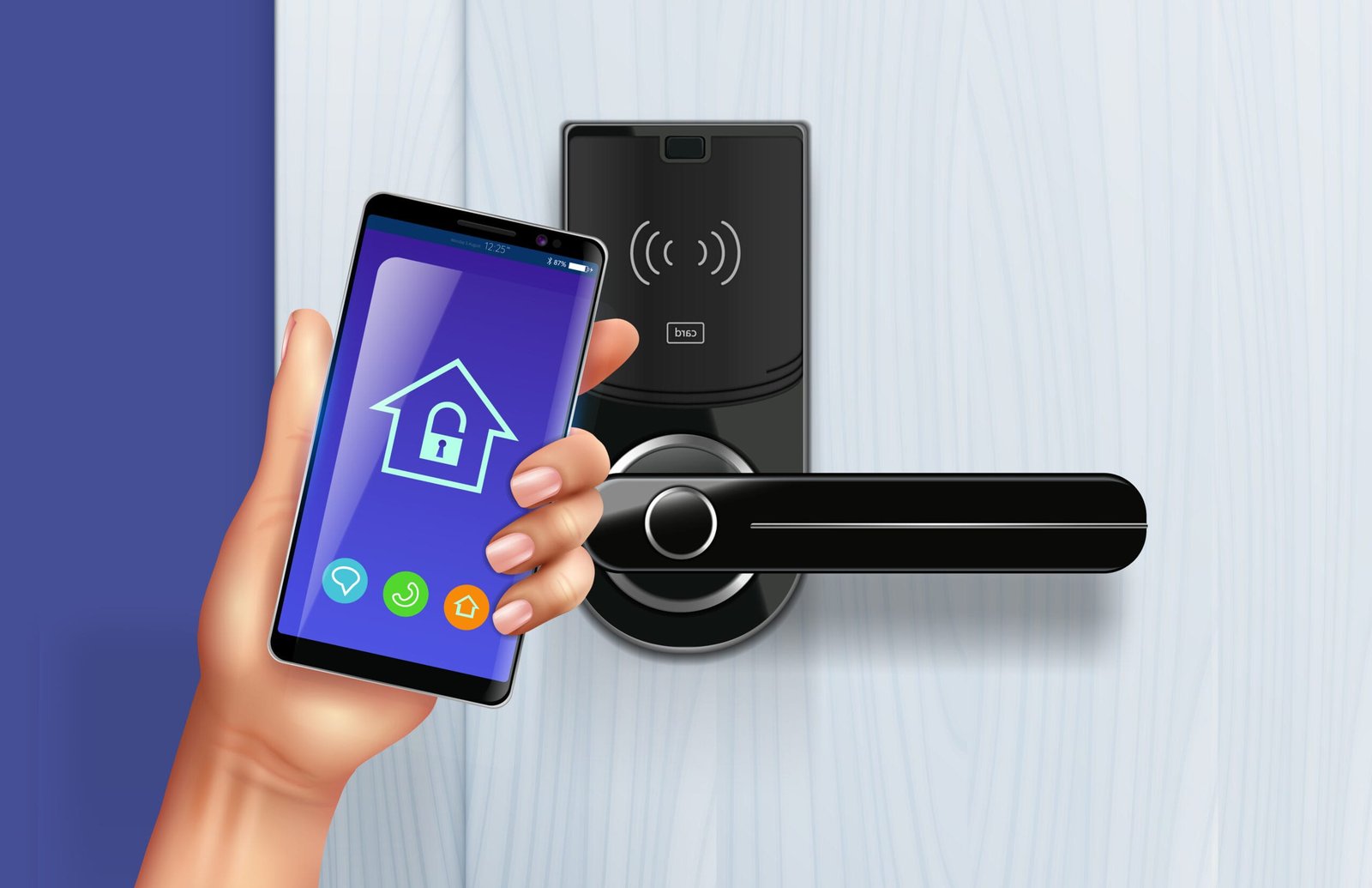
- Bluetooth / WiFi app unlock
- One-time OTP access
- Remote unlocking
- Voice assistant integration
- Auto-lock security
Smart locks are extremely popular in India because they provide keyless entry, advanced security, real-time alerts, and remote control — perfect for apartments, villas, rented homes, and offices.
Why the “WiFi vs Bluetooth Smart Lock” Debate Exists
Both WiFi and Bluetooth smart locks offer smart access, but they differ in:
- Connectivity range
- Remote control abilities
- Battery usage
- Security features
- App notifications
- Installation setup
- Cost and maintenance
Your decision depends on your lifestyle, budget, and security needs.
What Is a WiFi Smart Lock?
A WiFi smart lock connects to your home WiFi network, allowing you to access your lock from anywhere in the world.
⭐ Key Features of WiFi Smart Locks
- Remote unlocking
- Real-time notifications
- Activity logs
- Visitor access management
- Integration with Alexa, Google Home, and IoT systems
- Ability to monitor your lock from anywhere
- Higher security features
⭐ Popular WiFi Smart Lock Brands in India
- Yale WiFi Smart Locks
- Qubo WiFi Smart Door Locks
- Samsung WiFi Smart Locks
- Godrej WiFi Locks (select models)
WiFi smart locks are ideal for users who want full control through their smartphone — even when they’re not at home.
What Is a Bluetooth Smart Lock?
A Bluetooth smart lock connects directly to your smartphone using Bluetooth. It does not require internet and works only when you’re physically near the lock.
⭐ Key Features of Bluetooth Smart Locks
- Short-range unlocking via phone and fingerprint
- Lower battery consumption
- Offline functionality
- App access without internet
- Simple setup
- Works even during network outages
⭐ Popular Bluetooth Smart Locks in India
- Yale Bluetooth Smart Locks
- Hafele Bluetooth Locks
- Ozone Bluetooth Digital Locks
- LAVNA Bluetooth Smart Door Locks
Bluetooth locks are ideal for people who need simple, battery-efficient, no-internet smart access.
WiFi vs Bluetooth Smart Locks – Complete Side-By-Side Comparison
Below is a detailed comparison to help you make the right choice.
1. Connectivity & Range
✔ WiFi Smart Locks
- Work from anywhere using the mobile app
- Full remote access
- Perfect for frequent travelers, working professionals, parents with kids
✔ Bluetooth Smart Locks
- Works only within 1–5 meters
- Requires your phone to be near the lock
- Remote unlocking not possible
Winner: WiFi Smart Lock
2. Remote Unlocking
✔ WiFi Smart Lock
You can unlock your door even if you’re miles away.
Perfect for:
- Guests
- Housemaids
- Tenants
- Delivery partners
- Senior citizens
✔ Bluetooth Smart Lock
Winner: WiFi Smart Lock
You cannot unlock it remotely.
Works only when you’re near the lock.
3. Security & Alerts
✔ WiFi Smart Locks
- Real-time intrusion alerts
- Door left open notifications
- User log tracking
- Wrong password alerts
- Tamper alarm notifications
- Integration with CCTV and IoT
- Can generate temporary passwords remotely
✔ Bluetooth Smart Locks
- No real-time alerts
- No remote notifications
- Limited security features
Winner: WiFi Smart Lock
4. Battery Life
✔ Bluetooth Smart Locks
- Long battery life (6–12 months)
- Low power consumption
- Ideal for users concerned about maintenance
✔ WiFi Smart Locks
- Higher battery usage
- 3–6 months average
- Requires a WiFi bridge for better efficiency
Winner: Bluetooth Smart Lock
5. App Support & Features
✔ WiFi Smart Locks
- Activity logs
- Remote lock/unlock
- Digital key sharing
- One-time OTP generation
- Guest access scheduling
- Integration with smart home systems
✔ Bluetooth Smart Locks
- Limited app features
- No remote logs
- No cloud-based features
Winner: WiFi Smart Lock
6. Price
✔ Bluetooth Smart Locks
- Budget-friendly
- ₹7,000 – ₹15,000 (average)
✔ WiFi Smart Locks
- Slightly premium
- ₹10,000 – ₹35,000+
Winner: Bluetooth Smart Lock (Budget)
7. Installation & Setup
✔ WiFi Smart Locks
- Requires WiFi router / bridge
- Slightly technical
- Ideal for smart home setups
✔ Bluetooth Smart Locks
- Simple plug-and-play
- Less technical
- Perfect for rentals & older homes
Winner: Bluetooth Smart Lock (Ease of Use)
Which Smart Lock Should You Choose for Your Home?
Let’s break it down based on lifestyle and home needs:
For Families
Choose: WiFi Smart Lock
Reasons:
- Monitor kids
- Share guest access
- Real-time alerts
- Activity logs
For Elderly or Senior Citizen Homes
Choose: Bluetooth Smart Lock or WiFi Smart Lock (with fingerprint)
Reasons:
- Easy fingerprint unlocking
- No need for apps
- Low maintenance
For Frequent Travelers
Choose: WiFi Smart Lock
Reasons:
- Remote control
- Real-time security alerts
- Ability to unlock for guests or staff
For Rental Homes or PGs
Choose: WiFi Smart Lock
Reasons:
- Share temporary PINs
- Track access logs
- No key handover issues
For Apartments in Bangalore / Major Cities
Choose: WiFi Smart Lock
Reasons:
- Better control
- Advanced security
- Remote access
For Budget Buyers
Choose: Bluetooth Smart Lock
Reasons:
- Affordable
- Good for basic keyless entry
Installation Differences: WiFi vs Bluetooth Smart Locks
⭐ WiFi Smart Lock Installation
- Needs proper router placement
- May require a WiFi bridge
- Ideal for new homes and modern interiors
⭐ Bluetooth Smart Lock Installation
- Straightforward installation
- No network or app complications
- Ideal for older or budget-conscious homes
Are WiFi Smart Locks Safe?
Yes — high-quality WiFi smart locks are extremely secure.
They include:
- End-to-end encryption
- Anti-tamper alarms
- OTP sharing
- Log history
- Remote notifications
Brands like Yale, Qubo, Samsung, and Godrej ensure international-grade safety.
Are Bluetooth Smart Locks Safe?
Yes, but with limited features.
They are very secure for offline access, but lack:
- Alerts
- Cloud monitoring
- Remote access
Best for simple households needing keyless entry without advanced features.
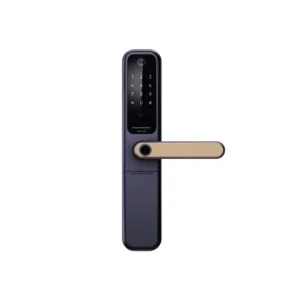
Secure your home the smart way — choose the perfect fingerprint lock now.
Address: No. 235/E, Bommasandra Industrial Area, Bengaluru, Karnataka 560099
Contact us: 079960 99779


 by
by